eufy Security Smart Lock C210 – Smart Wi-Fi Keyless Door Lock
Smarter security starts at your front door. Say goodbye to fumbling for keys and hello to convenient, connected access.
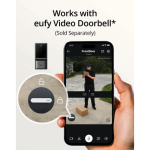
Upgrade your home security with the eufy Security Smart Lock C210, a smart Wi-Fi door lock designed to give you greater control over who enters your home and when.
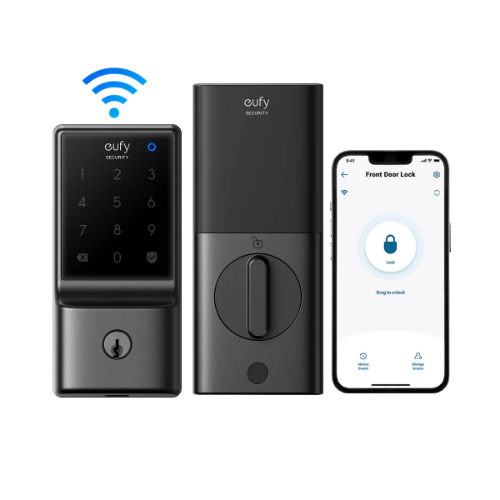
Combining built-in Wi-Fi connectivity, keyless keypad entry, smartphone control and traditional key access, the eufy C210 brings everyday convenience and smart security together in one practical solution.
Whether you’re arriving home with your hands full, letting a family member inside or checking that your front door is locked while you’re away, the eufy Smart Lock C210 makes managing access to your home easier.
Smart Security Without the Keys
Forget searching through your bag or pockets for your house keys. With the eufy Smart Lock C210, you can unlock your door using a personal access code entered directly on the keypad.
Keyless entry makes everyday access more convenient for family members and authorised visitors, while still retaining a physical key option when needed.
Key benefits:
- Convenient keyless entry using the built-in keypad
- Smartphone access through the eufy Security app
- Remote lock management with built-in Wi-Fi
- Physical key access when required
- Multiple access options for everyday convenience
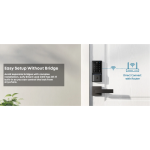
Built-In Wi-Fi – No Additional Bridge Required
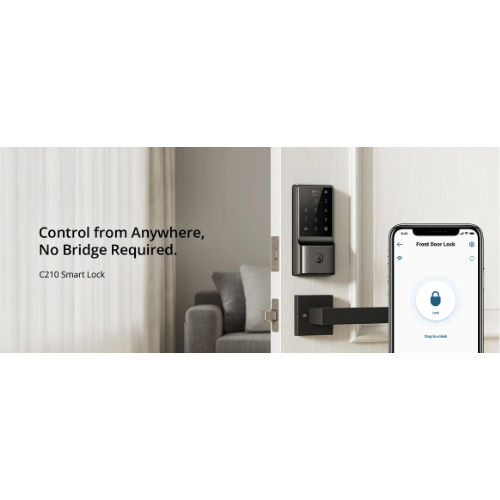
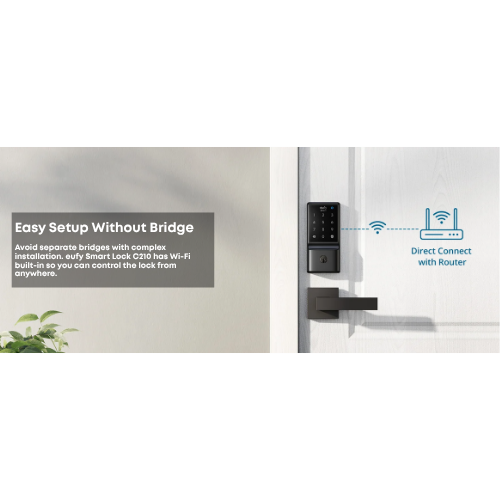
The eufy Smart Lock C210 features built-in 2.4GHz Wi-Fi connectivity, allowing it to connect directly to your compatible home wireless network without requiring a separate Wi-Fi bridge.
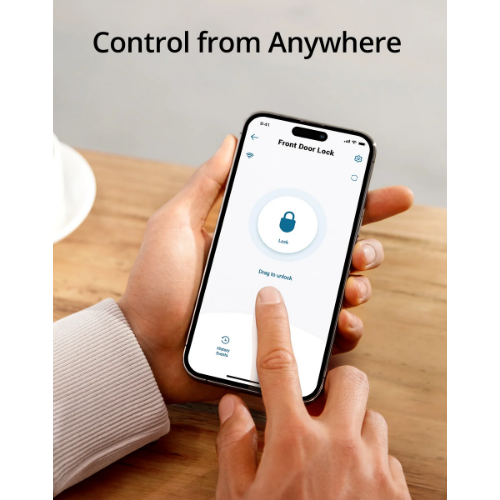
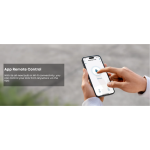
Once connected and configured through the eufy Security app, you can manage supported lock functions remotely using your smartphone.
Enjoy convenient remote access:
- Lock and unlock your door through the app
- Check the lock’s status remotely
- Manage authorised access
- Review available access activity
- Receive supported lock notifications
Please note: Remote functions require a compatible Wi-Fi network, internet connectivity and appropriate app configuration.
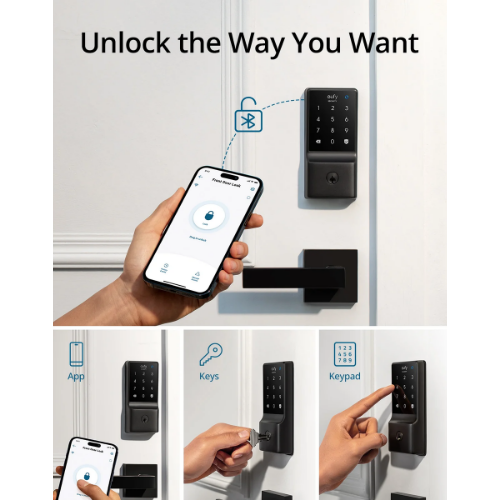
Five Convenient Ways to Unlock
Different situations call for different ways to access your home.
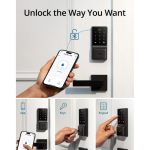
The eufy C210 supports five unlocking methods, giving you flexibility to choose the option that suits your routine.
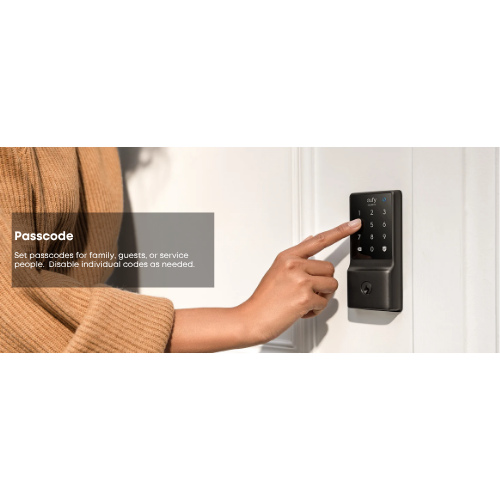
- Keypad: Enter your personal access code.
- eufy Security App: Unlock using your compatible smartphone.
- Physical Key: Use the supplied mechanical key when required.
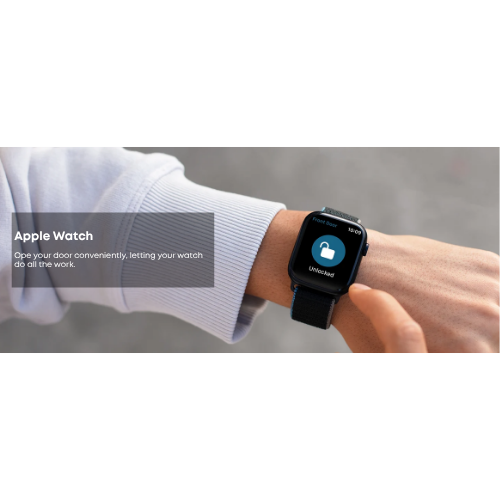
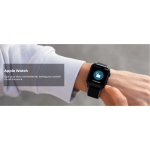
- Apple Watch: Access supported lock controls from a compatible Apple Watch.
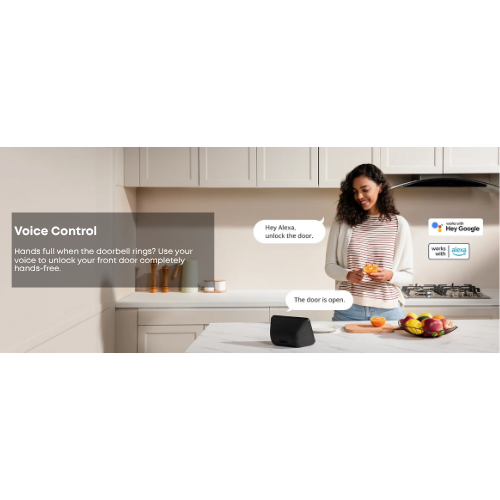
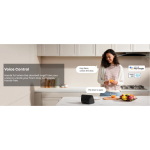
- Voice Assistant: Use supported voice commands through compatible Amazon Alexa or Google Assistant integrations.
Voice assistant availability and supported functions may vary according to device compatibility and regional service availability.
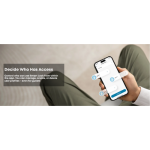
Manage Access for Family and Visitors
Give authorised people convenient access without needing to hand out physical keys.
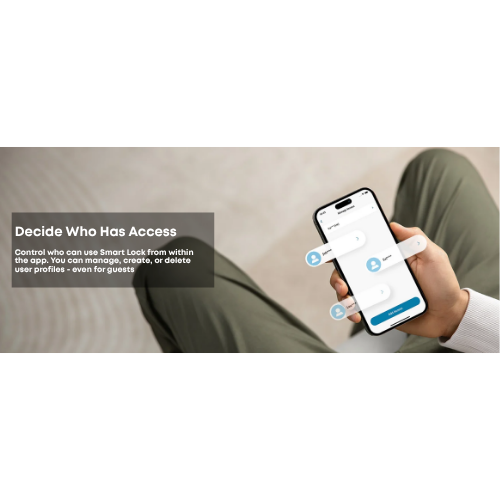
Using the eufy Security app, you can manage supported access codes for household members and visitors.
This is particularly useful for busy households where different people may arrive home at different times.
Ideal for:
- Family homes
- Households with multiple occupants
- Authorised visitors
- Homeowners looking for keyless entry
- Smart home security upgrades
Automatic Locking for Everyday Peace of Mind
Ever leave home and wonder whether you remembered to lock the front door?
The eufy Smart Lock C210 supports an automatic locking function, helping reduce the chance of accidentally leaving your door unlocked.
Configure the supported auto-lock settings through the eufy Security app according to your preferences.
Please note: Automatic locking does not replace checking that the door is fully closed and securely latched.
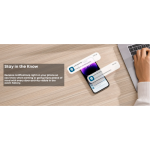
Stay Informed with Access Activity
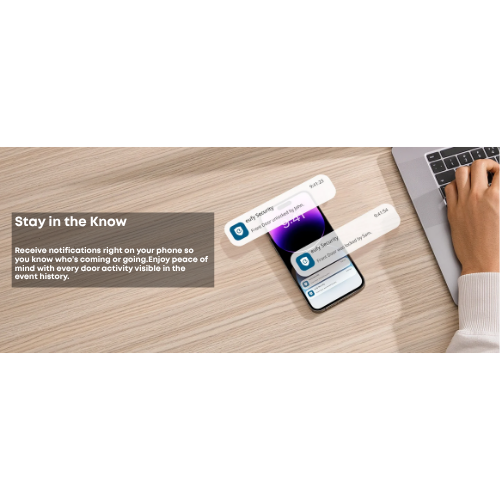
The eufy Security app provides access to supported lock activity information, helping you keep track of door access events.
Depending on your configuration, you can review available lock activity and receive notifications relating to supported events.
This provides added convenience when managing access to your home.
Built for Everyday Use
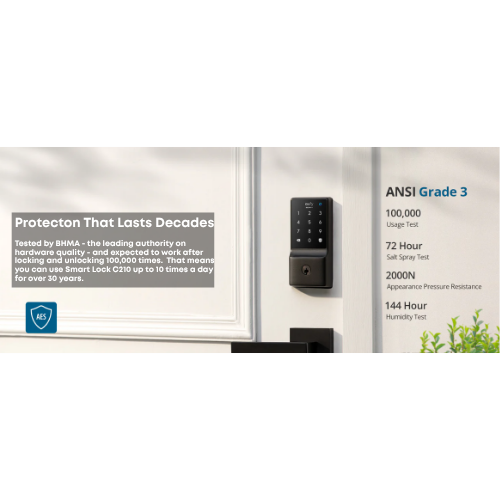
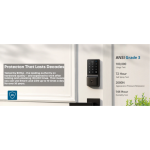
The eufy C210 combines electronic convenience with a familiar mechanical deadbolt design.
Its keypad provides direct access at the door, while the app gives you additional control when connected to your home network.
Battery-powered operation means the lock does not require a permanent mains electricity connection for normal operation.
Battery-Powered Convenience
The eufy Smart Lock C210 operates using four AA batteries, providing a practical installation option without running a dedicated power cable to the door.
Battery life depends on usage frequency, wireless conditions and operating environment.
The lock also provides a physical key option for access when electronic operation is unavailable.
Compatible with the eufy Security App
Manage your smart lock through the eufy Security app, available for compatible smartphones.
Once installed and connected, the app allows you to configure supported smart lock features, manage access and control the lock remotely.
Smart features include:
- Remote locking and unlocking
- Access code management
- Lock status checking
- Activity history
- Supported notifications
- Auto-lock configuration
Smart Home Integration
The eufy C210 supports integration with compatible Amazon Alexa and Google Assistant services, allowing supported voice-controlled functions.
This makes it a practical addition to a connected home where convenient access management is part of your everyday routine.
Important: Compatibility with Apple HomeKit, Matter, Zigbee, Z-Wave or other smart home platforms should not be assumed.
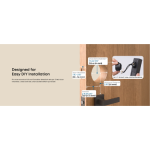
Installation and Door Compatibility
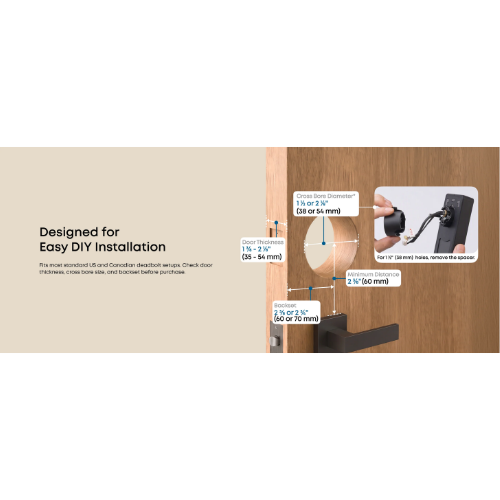
The eufy Smart Lock C210 is designed as a smart deadbolt replacement for suitable doors.
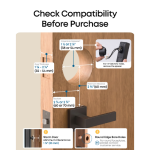
Before purchasing, confirm that your door’s existing lock arrangement, dimensions, thickness and borehole configuration are compatible with the manufacturer’s installation requirements.
Important for South African homes: Many local doors use mortise locks or multipoint locking systems rather than the American-style deadbolt configuration for which this product is designed.
Professional installation or door modification may be required, and not every door will be suitable.
Key Features
- eufy Security Smart Lock C210
- Built-in 2.4GHz Wi-Fi connectivity
- No separate Wi-Fi bridge required
- Five unlocking methods
- Keyless entry using a numeric keypad
- Remote control through the eufy Security app
- Physical key access
- Compatible Apple Watch control
- Supported Amazon Alexa and Google Assistant integration
- Access code management
- Automatic locking function
- Lock activity monitoring
- Battery-powered operation
- Designed for compatible deadbolt-style doors
Technical Specifications
| Brand |
eufy Security |
| Product Name |
Smart Lock C210 |
| Supplier SKU |
AEST8502111 |
| Manufacturer Model |
T8502111 |
| Product Type |
Smart Wi-Fi Deadbolt Lock |
| Wi-Fi |
2.4GHz |
| Bluetooth |
Supported |
| Wi-Fi Bridge Required |
No |
| Unlocking Methods |
Keypad, App, Physical Key, Apple Watch and Supported Voice Assistant |
| Smartphone App |
eufy Security |
| Voice Assistants |
Amazon Alexa and Google Assistant |
| Auto-Lock |
Supported |
| Power Supply |
4 × AA Batteries |
| Lock Type |
Deadbolt |
| Door Compatibility |
Compatible Deadbolt-Style Door Preparations |
| Fingerprint Reader |
No |
| HomeKit / Matter |
Not Advertised as Supported |
| Colour |
Confirm Supplier Variant |
| Dimensions |
Refer to Manufacturer Specification |
| Warranty |
Confirm Local Supplier Warranty |
What’s in the Box?
- 1 × eufy Security Smart Lock C210
- Mechanical key access components
- Manufacturer-supplied installation hardware
- Installation instructions and documentation
Please note: Confirm the exact number of keys, included batteries and installation components against the South African supplier’s retail packaging.
How to Use Your eufy Smart Lock C210
- Confirm that your door is compatible with the lock’s installation requirements.
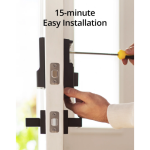
- Install the lock according to the manufacturer’s instructions.
- Insert the required batteries and complete the initial lock setup.
- Download the eufy Security app onto your compatible smartphone.
- Follow the app instructions to add and configure your Smart Lock C210.
- Connect the lock to a compatible 2.4GHz Wi-Fi network.
- Configure your access codes and preferred locking settings.
- Test all intended unlocking methods while the door is open.
- Set up supported notifications and automatic locking preferences.
- Regularly check battery status and lock operation.
Important Installation and Security Information
- Confirm door and deadbolt compatibility before purchasing.
- Do not assume compatibility with South African mortise or multipoint locking systems.
- Follow the manufacturer’s installation and calibration instructions.
- Use secure, unique access codes.
- Do not share administrator access with unauthorised users.
- Maintain a secure home Wi-Fi network.
- Keep the eufy Security app and lock firmware updated.
- Replace batteries when required.
- Keep mechanical keys in a secure location.
- Test lock operation regularly.
Make Your Front Door Smarter
The eufy Security Smart Lock C210 brings together convenient keyless entry, built-in Wi-Fi and smart access management in one connected door lock.
From checking your door remotely to giving family members their own access codes, the C210 helps make everyday home access more convenient.
Upgrade your home with smarter security from eufy, available at mUther.
E&OE.




























 Orders Over R1500 *
 Delivery & Returns



Reviews
Clear filtersThere are no reviews yet.